As an Amazon Associate, we earn from qualifying purchases. Some links may be affiliate links at no extra cost to you. Although our opinions are based on curated research, we haven't used these products. Articles generated with AI.

How Many Gb Is Good For A Gaming Laptop

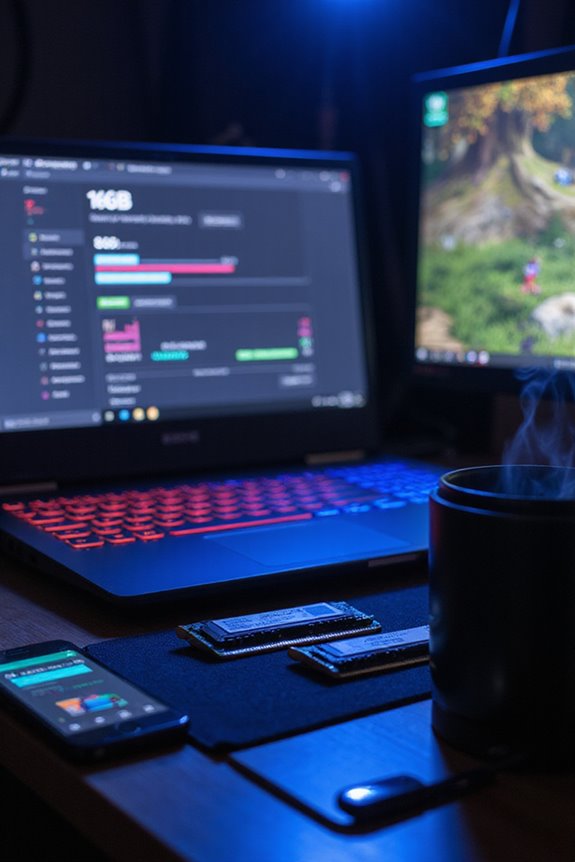
When choosing a gaming laptop, I recommend aiming for at least a 256GB SSD for basic gaming. This’ll guarantee decent load times and some space for a few titles. If you’re more serious about your gaming, go for a 1TB or even 2TB SSD to accommodate a larger library and keep things running smoothly. Remember, SSDs are faster and offer better performance than traditional HDDs. There’s a lot more to take into account, so let’s explore further options.
Key Takeaways
- A minimum of 256GB SSD is recommended for basic gaming needs, allowing space for a few games and quick load times.
- Avid gamers should aim for at least 1TB SSD to accommodate larger game libraries and ensure optimal performance.
- Enthusiast gamers with extensive collections may benefit from 2TB SSDs for additional storage and speed.
- Dual-drive setups, combining a small SSD with a larger HDD, can be a cost-effective solution for storage needs.
- Future-proofing with upgradeable storage options is advisable due to increasing game sizes and performance demands.
Minimum Storage Requirements for Gaming Laptops
You may be interested



When it comes to gaming laptops, a minimum storage requirement of 256GB SSD is often recommended. This capacity guarantees faster load times and enough space for a few games, which is vital for any serious gamer. While SSDs are the gaming essentials, providing quick installations and reduced lag, I’ve found that game sizes can vary widely—some titles can eat up a lot of space.
If you’re planning on expanding your collection, consider combining an SSD with an HDD. This mix balances speed and capacity beautifully. Just remember, while 256GB might be adequate for casual play, you might want to future-proof your setup with higher storage options if you’re looking to dive deep into the gaming world.
Recommended Storage Capacities for Avid Gamers
For avid gamers, choosing the right storage capacity is essential, especially since game sizes are continually on the rise. I’d recommend starting with at least a 1 TB SSD, as it’s fast and responsive, making load times feel like a breeze compared to traditional HDDs. If you’re like me and have a growing game library, consider bumping up to a 2 TB SSD for more flexibility. Dual-drive setups can also be a smart choice; a smaller SSD for your OS paired with a larger HDD for extra storage can save you some cash. Plus, keep an eye out for laptops with upgradeable storage options—future-proofing is key when dealing with ever-expanding game sizes! To help narrow down your choices, our gaming laptop selection guide walks through what specs actually matter for different types of gamers.
Impact of Storage on Gaming Performance
While it might seem like storage is just about numbers, the type and size of storage you choose can greatly affect your gaming experience. SSD advantages are hard to ignore; they noticeably reduce load times, making you plunge into your favorite worlds faster. With improved storage speed, your gameplay feels smoother, and those annoying lag moments? They can be eliminated.
When it comes to game performance, SSDs outperform traditional HDDs, thanks to their superior random read/write speeds. Plus, keeping your SSD with ample free space guarantees peak performance. I’ve found that modern games, especially those with high-resolution textures, really benefit from the quick data access that SSDs provide. So, investing in a quality SSD is definitely worth considering for a better gaming journey.
Recommended Products

Efficient Performance: M.2 SSD 1TB adopts PCIe Gen4 x4 technology and is compatible with NVMe1.4 protocol, With speeds reaching 4800MB/s, the PCIE 4.0 1TB NVMe SSD is perfectly compatible with the PS5, ensuring swift game launches for an immersive gaming experience

THE SSD ALL-STAR: The latest 870 EVO has indisputable performance, reliability and compatibility built upon Samsung's pioneering technology. S.M.A.R.T. Support: Yes
Considerations for Different Types of Gamers
Choosing the right gaming laptop can feel overwhelming, especially with the variety of gamers out there. Casual gamers typically need about 256GB SSD and 8GB RAM for a few games, striking a performance balance without overspending. Moderate gamers, on the other hand, benefit from 500GB to 1TB SSD and 16GB RAM, allowing them to juggle larger game libraries without constant file management. Enthusiast gamers often require 2TB SSD and up to 32GB RAM to accommodate their vast collections and mod-heavy titles. Then there are content creators, who might want a similar setup but with extra storage for media files. Finally, traveler gamers should consider 500GB–1TB NVMe SSDs, balancing portability needs with performance. If you’re considering using your laptop for non-gaming work too, it’s worth exploring whether a non-gaming laptop can handle games to understand the trade-offs before buying.
Future Trends in Gaming Laptop Storage Options
As gaming evolves, so do the storage options available in laptops. I’m excited to see future storage innovations like Gen5 SSDs, which promise incredibly fast data transfer speeds. These advancements mean gaming laptop upgrades will likely feature larger capacities, like 1TB SSDs, allowing us to store more games without worrying about space.
Hybrid storage solutions are also gaining traction, combining SSDs for speed with HDDs for bulk storage. Plus, with the rise of cloud gaming, we might not need as much local storage. However, let’s not forget that as RAM increases to 32GB, the demand for high-capacity storage will follow. It’s a dynamic landscape, and I can’t wait to see how it unfolds!
Recommended Products

Customize your drive’s RGB lighting with the downloadable WD_BLACK Dashboard (Windows only) to show off your style and make every play personal.


[High-Performance Processing] Powered by the AMD Ryzen 5 6600H (up to 4.5GHz) and high-speed DDR5 RAM, this gaming laptop handles intense multitasking and demanding software with ease. Perfect for competitive gaming, video editing, or running complex engineering simulations without lag.
Frequently Asked Questions
Can I Use External Hard Drives for Gaming Storage?
Absolutely, I’ve found external storage options great for gaming. Just keep in mind the potential gaming performance impact. It’s perfect for less-played titles, but I’d always prioritize internal SSDs for my favorites.
How Does Storage Type Affect Game Installation Speed?
I’ve noticed that storage type really affects installation speed. SSDs boost performance impact dramatically, making game installs quicker. Trust me, if you want smooth gaming, investing in a good SSD’s the way to go!
What Happens if I Run Out of Storage Space?
When storage space shrinks, game performance suffers. I find storage management essential. It’s frustrating deleting favorites just to fit new ones. Keeping track means smoother gaming and less hassle, letting us enjoy our adventures together.
Are There SSD Brands That Are Better for Gaming?
When choosing SSD brands, I always look for high SSD performance and gaming compatibility. Brands like Samsung and WD Black really stand out for their speed and reliability, making my gaming experience so much better.
How Often Should I Upgrade My Gaming Laptop’s Storage?
You might wonder, how often should I really upgrade my gaming laptop’s storage? Well, I find regular storage maintenance is essential. If you’re running out of space, consider upgrading frequently to keep your gaming experience smooth.