Xbox Cloud Gaming Outage: Service Interruption Alert

Xbox Cloud Gaming outages can last hours and affect game launches across all devices. Learn how to check status, understand error codes, and play offline.

Xbox Cloud Gaming outages can last hours and affect game launches across all devices. Learn how to check status, understand error codes, and play offline.

Starlink promises fast speeds for rural gamers, but can it handle competitive play? We break down latency, stability, and what to expect in real sessions.

From casual 1–3 Mbps to streaming-ready 7.4 Mbps, learn what upload speeds you really need for gaming and how to optimize your connection for peak play.
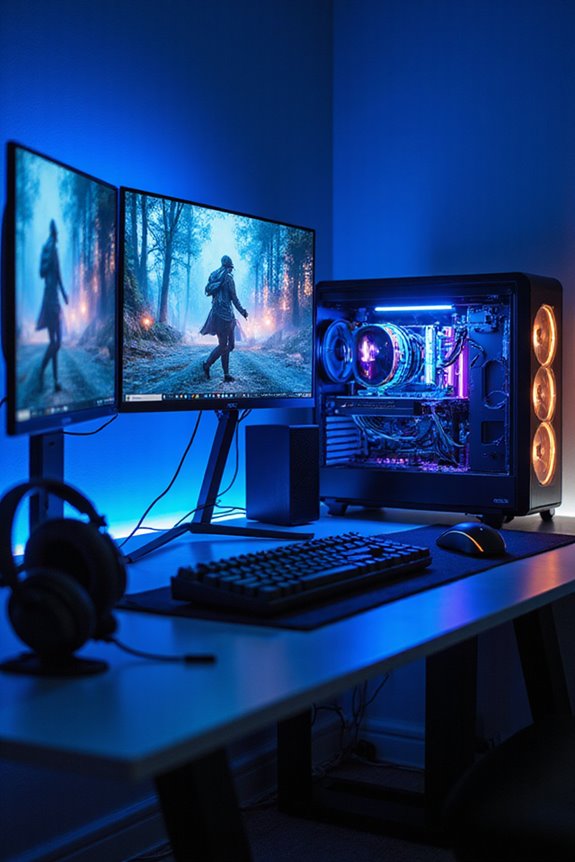
Set up your ultimate gaming network with the right architecture, QoS settings, wired connections, and security to minimize lag and protect your account.

Use a gaming VPN to boost security, reduce lag, bypass geo-restrictions, and protect your IP. Top picks include NordVPN, Surfshark, and ExpressVPN.

Ping measures round-trip time between your device and game servers. Discover how low ping improves response times and how to cut lag for a smoother gaming experience.
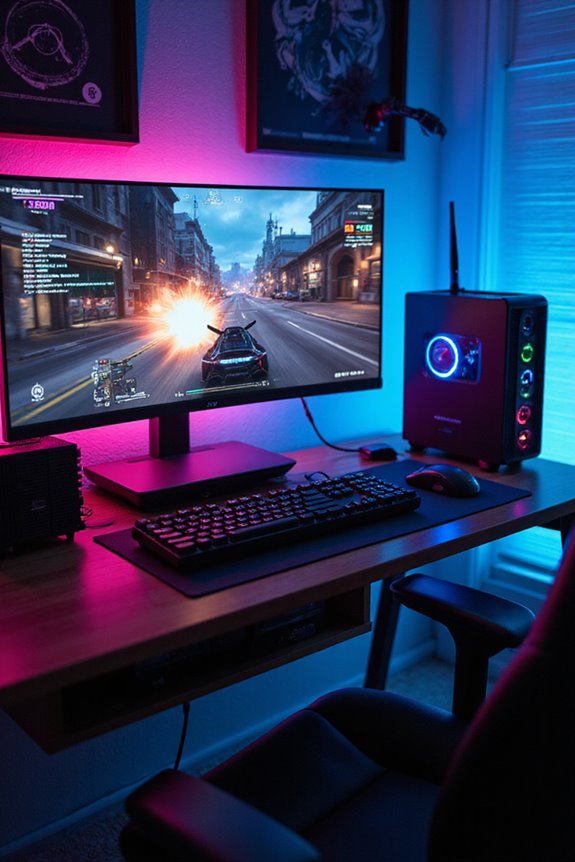
300 Mbps handles multiplayer, cloud gaming, and HD streaming with ease. Find out why this speed suits most gamers and multi-device households in 2026.

Cloud gaming streams top titles to any device without expensive hardware. See how 5G and subscription models are driving its explosive growth in 2026.
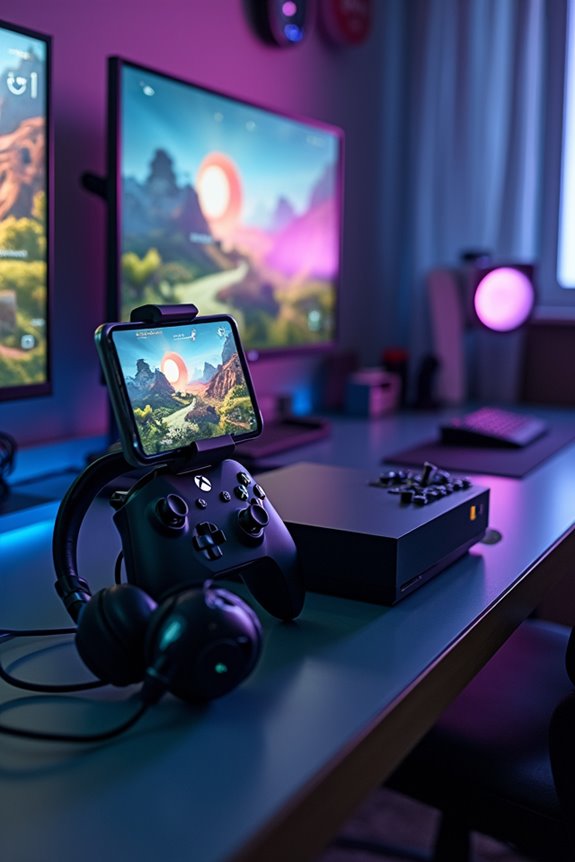
Everything you need to configure Xbox Cloud Gaming on Series X—Game Pass Ultimate, a wireless controller, and 10 Mbps internet for lag-free gaming anywhere.

Discover proven techniques to eliminate internet lag and improve your gaming connection, from wired setups and QoS settings to server selection strategies.